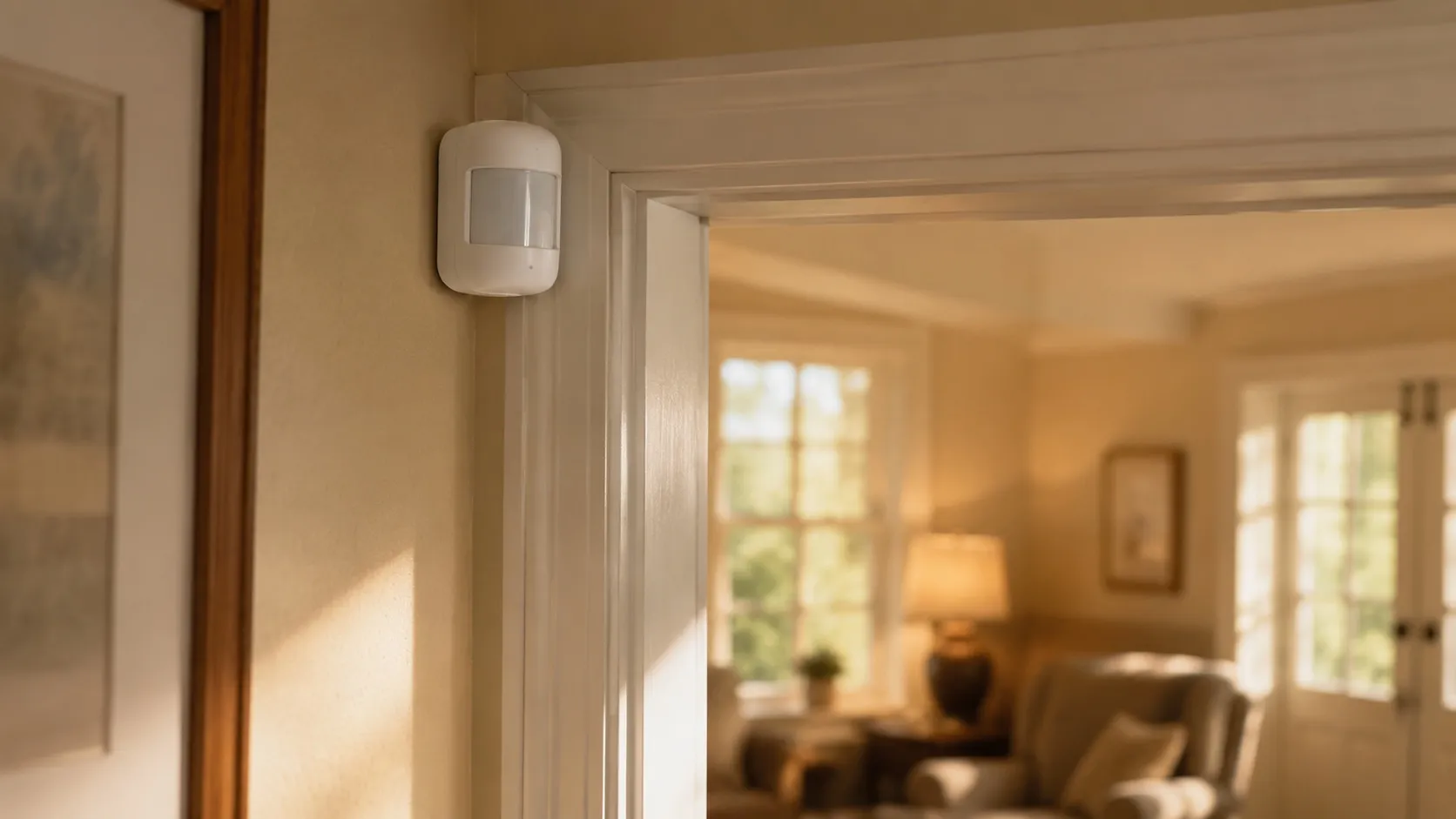
If you live a few hours — or a few time zones — from an aging parent, the worry has a particular shape. It’s the unanswered phone call, the vague “I’m fine” that may or may not be true, the dread of being the last to know something went wrong. The market has an answer ready: cameras, sensors, apps, dashboards. Some of it genuinely helps. A lot of it sells the feeling of control without delivering the substance of care.
This guide is a framework for thinking clearly about remote monitoring before you buy anything. We’re independent researchers, not your parent’s care team, and the most important parts of this come down to two questions most product pages never ask: what decision should this data drive, and has your parent agreed to it?
1. Start with the decision, not the device
Every useful monitoring setup begins by naming the specific thing you need to know — and what you would do with the answer.
“Is Mom okay?” is not a monitorable question. These are:
- Is she moving around the house on a normal day, or has her activity dropped off?
- Did she take her morning medication?
- Has she left the house, and come back?
- Is the home a safe temperature? Is there smoke?
- Has she fallen and not called?
Each of those maps to a different tool, and most map to something far simpler than a camera. If you can’t say what you’d do differently based on a piece of data, monitoring it just manufactures anxiety. Write the questions down first. The hardware choice falls out of the answers.
2. The consent conversation is not optional
This is the section the technology skips, and it’s the one that determines whether any of it works.
A competent adult has the right to decide what is tracked inside their own home. Monitoring installed over a parent’s objection — or without their knowledge — tends to get unplugged, covered with a sock, or quietly resented. Worse, it can corrode the trust the entire caregiving relationship runs on.
A few principles that hold up:
- Frame it around their goal, not your fear. “This helps you stay in your own home longer” lands very differently from “I need to keep an eye on you.”
- Offer the least intrusive option that does the job. A motion sensor that reports “normal activity today” respects dignity in a way a live bedroom camera never will.
- Give them control. Knowing they can turn it off, and seeing what you can and can’t see, makes the difference between a tool and a leash.
The exception is advanced cognitive impairment, where a parent can no longer weigh the decision and a designated decision-maker steps in. Even then, the standard is the same — the least intrusive option that meets the genuine need. The cognitive wellness pillar covers that situation in more depth.
3. Passive sensors vs cameras vs check-ins — the honest comparison
The three broad approaches trade off information, privacy, and reliability differently.
| Approach | What it gives you | The cost |
|---|---|---|
| Passive activity sensors (motion, door, bed, appliance) | Patterns and changes — “less active than usual,” “up a lot last night” | Less detail; learns routine over weeks |
| Cameras | The most raw information | Privacy intrusion, alert overload, “surveillance” feeling; only sees where pointed |
| Wearable help button / fall detection | Emergency response anywhere | Reactive, not preventive; depends on being worn |
| Scheduled check-ins (call, video, automated “I’m OK”) | Connection plus a signal | Depends on a person being available; easy to fake “fine” |
For most distance-caregiving situations, passive sensors that report patterns rather than images are the sweet spot — they answer “has something changed?” without putting a lens in a private home. Cameras earn their place in narrow cases (a parent who can’t use a button, a specific safety concern in a common area) and should never cover bedrooms or bathrooms.
4. What’s actually worth monitoring
Signal beats surveillance. The data that consistently helps families:
- Routine and activity changes. A drop in movement, more night-time wandering, or a parent who stops using the kitchen are early indicators that something — illness, a fall, depression — has shifted, often before any crisis.
- Medication adherence, if that’s a known issue (covered in the medication pillar).
- Environmental safety — smoke, carbon monoxide, extreme temperature — which overlaps with the home safety pillar. For the specific sensors worth investing in, see home safety sensors for an aging parent.
- A fall safety net for a parent who lives alone, which connects directly to choosing a medical alert system.
Notice what’s not on the list: continuous video, step counts, and minute-by-minute location. They generate noise, not decisions, and the noise has a cost — alert fatigue that eventually gets the whole system ignored.
5. The limits — monitoring is not care
This is the caution worth sitting with. A monitoring dashboard can tell you that your mother hasn’t left her chair much today. It cannot bring her a meal, drive her to the doctor, or notice that the flat affect on the morning call is the start of a depression.
Two failure modes recur:
- False reassurance. Green dots on a screen feel like everything is handled. They aren’t. The data covers a thin slice of a life.
- Substitution. Technology that was meant to supplement visits and a local support network quietly replaces them, until the day the sensors report a problem no app can solve.
Remote monitoring works best as one layer in a plan that also includes real human contact, neighbors or friends who can physically check in, and the local resources that organizations like the Administration for Community Living and the Eldercare Locator exist to connect families with.
Red flags when shopping
- “Total peace of mind” with no mention of consent or privacy. A vendor that never raises your parent’s agency hasn’t thought about the hard part.
- Bundled monthly fees that balloon. Read the three-year cost, not the sticker price — the same trap covered in our medical alert guide.
- Cloud video with vague data policies. Ask where footage is stored, who can access it, how long it’s kept, and whether it’s ever used for anything but your account.
- High-pressure, senior-targeted sales. The FTC has documented high-pressure sales tactics aimed at older adults. A legitimate purchase can wait a day.
What to do next
- Write down the two or three questions you actually need monitoring to answer, and what you’d do with each answer.
- Have the consent conversation with your parent, framed around their independence.
- Choose the least intrusive tool that answers your questions — usually passive sensors over cameras.
- Build the human layer — a check-in rhythm and a local contact — around the technology, not instead of it.
- Read our methodology page to see how we evaluate monitoring systems, and check the remote monitoring pillar for specific reviews as we publish them.
The families who do this well don’t have the most sensors. They have the clearest answer to “what would I do if this number changed?”
Further reading
- NIA — Aging in Place: planning to grow older safely at home.
- Administration for Community Living: federal hub for aging and disability support services.
- Eldercare Locator: connects families to local aging services by ZIP code.
- AARP — Caregiving Resources: consumer-facing caregiver research and guidance.
- FTC — Consumer Protection for Older Adults: documentation of fraud and high-pressure sales targeting older adults.